Microsoft 365 Outage: Is Your Business Ready for an Alternative?
When your business email stops working, business does not stop needing answers. Customers still send inquiries. Employees still need files. Appointments still need to happen. And someone still has to keep everything moving.
The November 2026 Microsoft 365 outage is a reminder that even widely used cloud platforms can experience major disruptions. If Microsoft 365 is creating problems for your business, TLD USA can help you troubleshoot the issue—or help you move to a different platform.
Arizona-Based Team • Microsoft 365 Support • Email Migration • Business IT

What Happened With Microsoft 365?
A significant Microsoft 365 service disruption began on November 12, 2026, and continued into November 13. Users around the world reported problems accessing Outlook and other Microsoft services.
Microsoft’s incident reporting identified Exchange Online as a central area of impact. Because other products and features depend on Exchange Online, the disruption extended beyond email.
Reported affected services and features included Outlook, Microsoft 365, Teams, Copilot, SharePoint-related functionality, and other connected services. The exact impact varied by service and feature.
Microsoft described server instability, capacity problems, and recovery efforts involving infrastructure changes and traffic management. The company also stated that it had no indication the incident was caused by malicious activity.
The important point for business owners: A problem in one shared platform can affect several tools your team relies on every day.
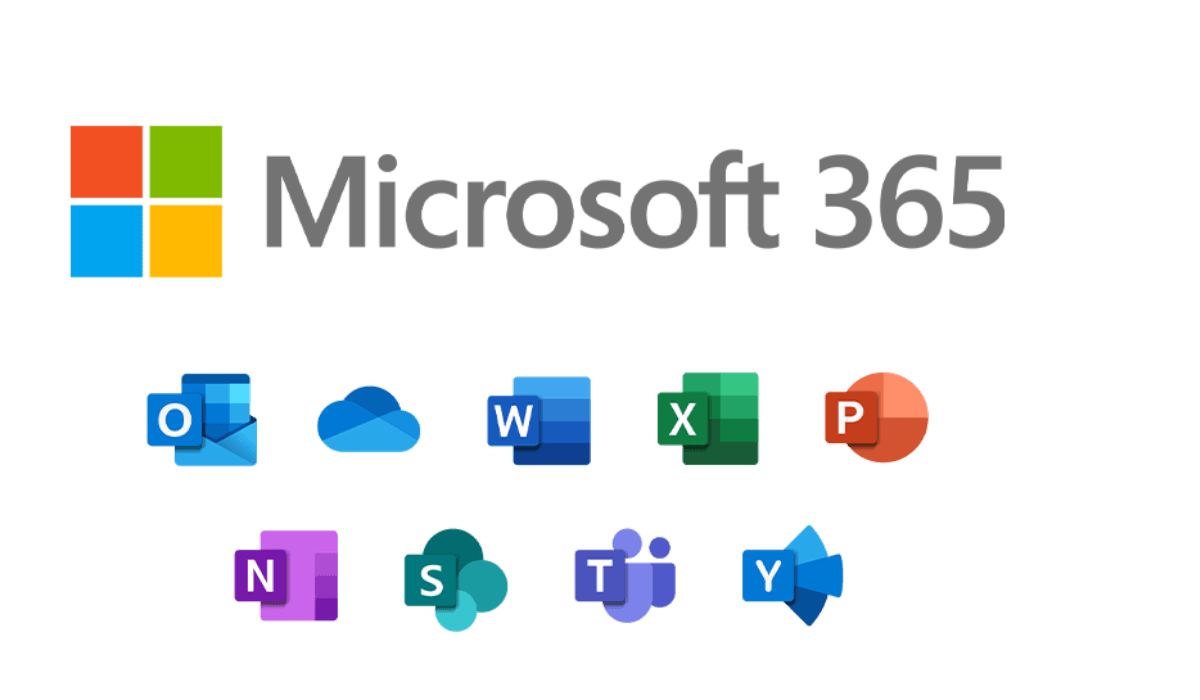
Email, collaboration, calendars, files, and business workflows are often connected.
It Is Not Just an Email Problem. It Is a Business Continuity Problem.
Think about how much of your operation depends on your email account and the services connected to it. For many small businesses, Microsoft 365 is woven into nearly every part of the workday.
Missed Customer Inquiries
A customer sends a quote request, appointment question, or purchase order. If your team cannot access the inbox, that opportunity may sit unanswered.
Calendar and Scheduling Problems
Meetings, invitations, shared calendars, and scheduling workflows can become unreliable when connected services are disrupted.
Employee Productivity
Employees may lose access to the tools and information they need to communicate, coordinate, and complete everyday work.
Delayed Business Decisions
When messages, approvals, files, or notifications are delayed, decisions and customer commitments can be delayed too.
Connected Applications
CRM systems, automation tools, websites, and third-party applications may rely on Microsoft accounts, email, or Microsoft Graph connections.
Uncertainty and Lost Time
Your employees should not have to spend the morning repeatedly refreshing an inbox or guessing whether an important message was received.
What We Know—and What Business Owners Should Take Away
The scale of this incident illustrates why businesses should think beyond the availability of any single technology provider.
A Worldwide Disruption
The Associated Press reported that outage reports were recorded across 74 countries. Outlook complaints on Downdetector reached more than 2,000 times normal levels.
More Than Outlook
Microsoft’s incident updates described impacts to multiple services and features connected to Exchange Online. Some functions that did not depend on Exchange Online continued operating.
Recovery Takes Time
Microsoft reported improving server stability and capacity as recovery progressed. However, some customers continued to experience intermittent access and delayed messages.
Reporting and incident references
Associated Press: Microsoft outage recovery update
Microsoft 365 official service status
CBS News: Microsoft outage coverage
Incident information reflects reporting and status updates available on November 13, 2026. Microsoft service conditions can change; consult its official status page for the latest information.
What If You Are Ready to Move Away From Microsoft?
Maybe this outage is the first time you have seriously considered another provider. Maybe your business has been frustrated with Microsoft 365 for months. Either way, you are not required to keep using a platform simply because it is what you have always used.
TLD USA can help evaluate alternatives and plan a migration that fits your business, users, budget, and existing technology.
Google Workspace
Google Workspace offers Gmail for business, Calendar, Drive, Docs, Sheets, Meet, and other collaboration tools. It may be a good fit for businesses that prefer Google’s approach to cloud productivity.
We can assess your email, calendars, files, users, and workflows before recommending a move.
Zoho Workplace
Zoho Workplace brings business email, document collaboration, storage, meetings, and productivity applications into one ecosystem.
For businesses looking for an alternative to Microsoft, Zoho may be worth evaluating—particularly when other Zoho business applications are part of the plan.
A Different Technology Mix
Not every business needs one provider for everything. Depending on your requirements, a combination of email, file storage, communication, and business applications may make more sense.
The right solution should support your operation, not force it into an unnecessary bundle.
We Can Help You Migrate Your Business Off Microsoft 365.
This is where having an experienced technology team matters. Moving business email is not simply creating a few new accounts and telling everyone to log in somewhere else.
Your domain, existing mailboxes, contacts, calendars, shared mailboxes, mobile devices, applications, and security settings all need to be considered.
A poorly planned migration can create more disruption than the outage you were trying to avoid. We work through the details before making changes, establish a migration plan, and coordinate the transition.
Whether you are moving to Google Workspace, Zoho, or another appropriate platform, TLD USA can help manage the technical work.
Explore TLD USA Fractional IT SupportWhat a Business Email Migration Can Include
- Review of your current Microsoft 365 environment.
- Assessment of users, licenses, mailboxes, and storage.
- Selection and configuration of the replacement platform.
- Email, contacts, and calendar migration planning.
- Domain and DNS configuration.
- SPF, DKIM, and DMARC email authentication setup.
- Mobile devices and desktop email configuration.
- Shared mailboxes, aliases, and distribution lists.
- Third-party application and CRM integration review.
- User testing, transition support, and post-migration checks.
The exact scope depends on your current setup and the platform you choose.
Should You Switch Providers—or Fix What You Already Have?
An outage does not automatically mean Microsoft 365 is the wrong choice for your business. The decision should be based on your needs, recurring problems, security requirements, costs, and the tools your employees actually use.
Stay With Microsoft If…
- Your current environment works well outside this incident.
- Your team depends heavily on Microsoft-specific applications.
- Your licensing and security setup meet your needs.
- You want help improving administration and reliability planning.
Consider Migrating If…
- You have ongoing frustration with the platform.
- Your business uses only a small portion of what you pay for.
- Your team prefers another productivity ecosystem.
- You want to evaluate alternatives and simplify your technology.
Plan for Either Situation
- Know who manages your domain and DNS.
- Maintain independent access to critical business information.
- Document important application dependencies.
- Establish a communication plan for service interruptions.
Your Business Needs a Technology Plan, Not Just Another Subscription.
The bigger question is not whether Microsoft, Google, Zoho, or another provider will ever experience a disruption. Every technology provider can experience service problems.
The more useful question is whether your business knows what to do when a critical system is unavailable.
Know Your Dependencies
Identify which business functions rely on email, calendars, cloud storage, authentication, and connected applications.
Protect Your Information
Review retention, backup, access controls, and recovery procedures. Cloud availability and independent backup are not the same thing.
Prepare Your Team
Establish alternative communication methods and clear procedures for handling customer inquiries during an interruption.
Review the Plan
Revisit your technology, access, and continuity arrangements as your business grows and applications change.
Technology Help From People Who Understand How Businesses Actually Work.
TLD USA helps small and growing businesses with the technology behind their daily operations. We understand that email, websites, domains, security, customer management, and automation are connected.
Our U.S.-based team brings decades of combined experience across technology, infrastructure, web development, business systems, and operations.
We can help you evaluate Microsoft 365 problems, improve your current environment, or plan a transition to a different platform.
You get practical recommendations, defined work, and a real team to help implement the solution.
We are not here to sell you another subscription just because it is available. We want the technology you pay for to make sense for the business you run.
See TLD USA ServicesHow TLD USA Can Help
- Microsoft 365 troubleshooting and support.
- Google Workspace and Zoho platform evaluation.
- Business email migration planning and implementation.
- Domain, DNS, and email security configuration.
- Business technology consulting.
- Ongoing Fractional IT support.
Fractional IT plans start at $250 per month. Scope, capacity, responsibilities, and response expectations are defined before work begins.
Not Sure Whether to Stay With Microsoft? Let’s Take a Look.
You do not need to make a major technology decision based on one difficult day. Start by understanding what you have, what is causing problems, and what alternatives would actually work.
Your First Business Fix: $149
New TLD USA customers can get up to two hours of hands-on help for one defined business issue.
- Review a Microsoft 365 or business email problem.
- Identify potential migration requirements.
- Investigate a domain, DNS, or email configuration issue.
- Discuss a practical next step for your business technology.
This is a one-time offer for one defined issue. Additional work, including a full email migration, is quoted separately.
Microsoft 365 Outage and Email Migration FAQs
Is Microsoft 365 still experiencing problems?
The November 2026 incident affected multiple Microsoft 365 services. Microsoft reported improving stability and capacity as recovery progressed, but some users continued to experience intermittent access and delayed messages. Check Microsoft’s official service status page for the latest information.
Can TLD USA move my business off Microsoft 365?
Yes. TLD USA can assess your current environment and help plan and implement a migration to an appropriate alternative, such as Google Workspace or Zoho. The work may include mailboxes, calendars, contacts, domain settings, security configuration, and user setup.
Can I move from Microsoft 365 to Google Workspace?
Yes. Google Workspace is one potential alternative. A migration needs to account for existing email, contacts, calendars, shared resources, domain settings, user accounts, and any applications connected to Microsoft 365.
Can I move my business email to Zoho?
Yes. Zoho Mail and Zoho Workplace may be suitable alternatives for some businesses. We can evaluate your requirements and determine whether the platform supports your email, collaboration, storage, and business workflow needs.
Will I lose my old emails if I switch providers?
A properly planned migration can transfer supported email data to the new platform. The migration plan should account for mailbox contents, contacts, calendars, archives, shared mailboxes, retention requirements, and any data that needs separate handling. Never cancel the existing service before the migration and verification steps are complete.
How long does a Microsoft 365 migration take?
It depends on the number of users, mailbox sizes, data volume, application dependencies, security requirements, and the destination platform. A small business with a few mailboxes may have a much simpler project than an organization with extensive shared resources and integrations. TLD USA can review your setup and provide a realistic scope.
Can TLD USA fix Microsoft 365 instead of moving us?
Yes. If Microsoft 365 is still the right fit, we can help investigate configuration, account, domain, email, and related technology problems. A provider outage itself may require Microsoft to restore service, but we can help assess your environment and identify issues within your control.
Does TLD USA provide ongoing IT support?
Yes. Fractional IT plans start at $250 per month. The scope, included capacity, responsibilities, and response expectations are defined in the service agreement.
Do I need to change my business domain to leave Microsoft?
Usually, no. In many cases, you can keep your existing business domain and change the email provider by updating the appropriate DNS records and completing the migration. The exact process depends on your domain and current configuration.
How do I get started?
Schedule a free 30-minute conversation or call 480-493-2228. We can discuss your current Microsoft 365 setup, the problems you are experiencing, and whether staying or migrating makes more sense.
You Do Not Have to Stay With a Technology Platform That Is Not Working for You.
If Microsoft 365 is causing problems, TLD USA can help you understand your options. We can troubleshoot your current environment, evaluate alternatives, and help migrate your business email and related services to a platform that fits.
TLD USA • Arizona-Based Team • Business IT • Email Migration • Technology Support